 FormlyConvert
Every document task, in one app.
Convert PDF, Word, Excel, PowerPoint, image and UDF files; compress, fill in and sign PDFs. Conversions happen on your iPhone or iPad; your files aren't uploaded to a server for it.

- 39document tools
- 10+file formats
- On deviceconversions
- iOS 17+iPhone and iPad
Supported formats
- Word
- Excel
- PowerPoint
- JPG
- PNG
- HEIC
- HTML
- TXT
- UDF
- Audio and video
Convert
Whatever format it arrives in.
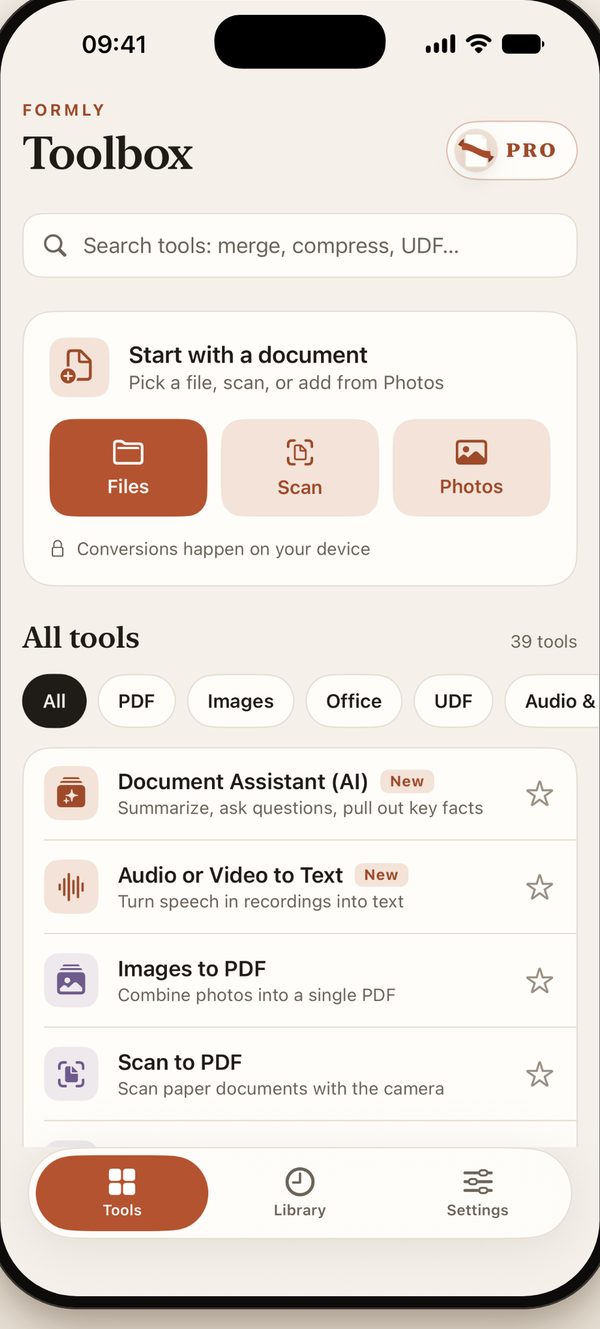
All 39 tools live on one screen in the Toolbox. Type to find the one you need and star the ones you use most.
- PDF to Word, Excel, PowerPoint, JPG, PNG and text
- Word, Excel, PowerPoint, HTML and images to PDF
- UDF files to PDF in seconds
- Process several files at once
Edit
Pick a document, decide what's next.
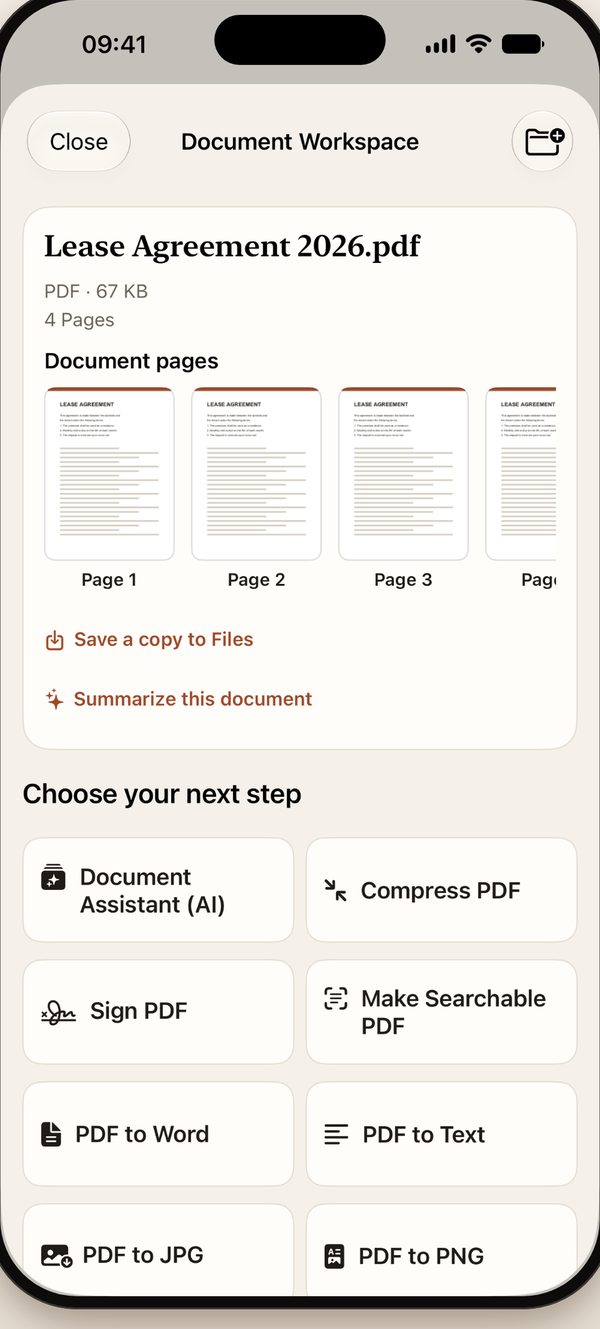
Every document opens in a workspace: see its pages, reorder them and choose your next step from there.
- The form guide finds the fields in your PDF and walks you through them
- "Fill with my details" fills name, phone, email and address in one tap
- Draw your signature; add dates, check marks and QR codes
- Make scanned pages searchable with OCR
Compress and share
Ready to send in a few taps.
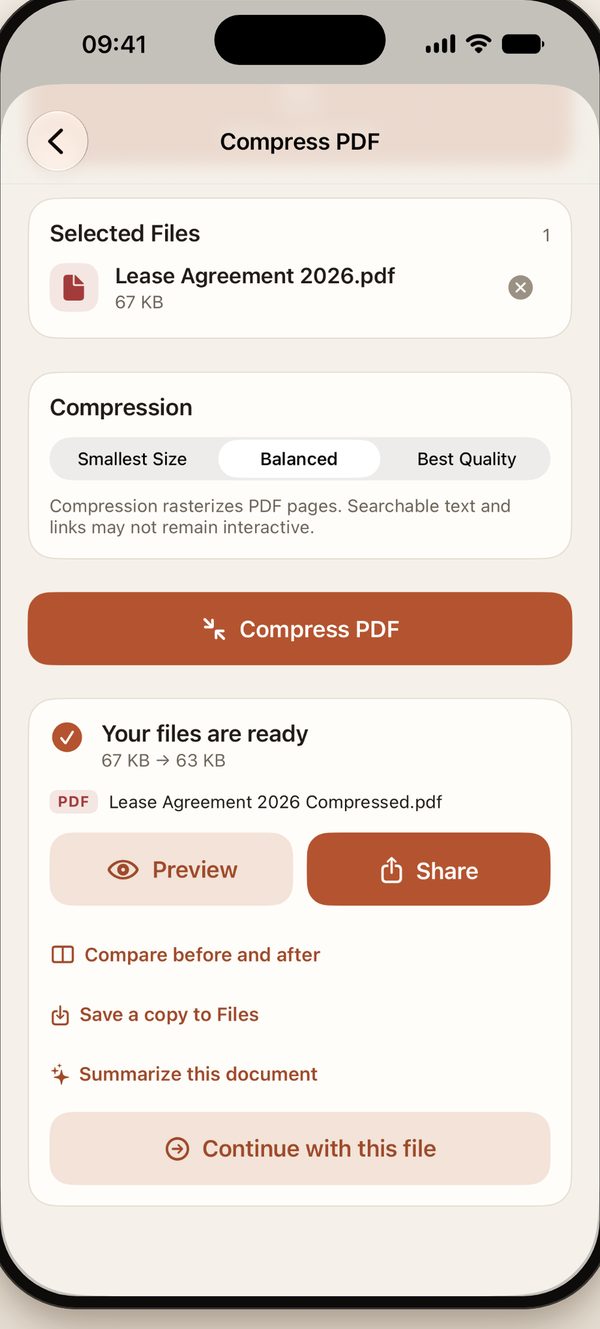
Choose the balance between size and quality. Text stays sharp; only image-heavy pages get lighter.
- Compare before and after
- Send to Mail, WhatsApp or Files in one tap
- Follow long tasks on the Lock Screen and in the Dynamic Island
- Add watermarks, page numbers, stamps and passwords
Library
Every file organized, always at hand.
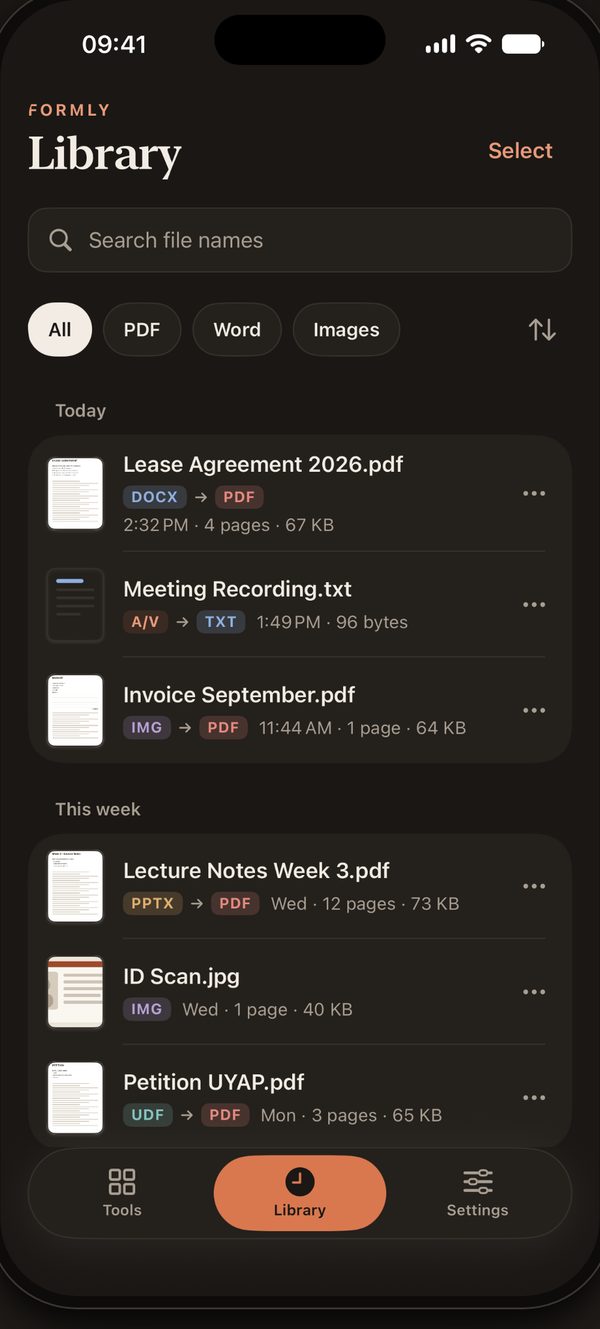
Every document you convert is kept in the library by date and type. Sort them into folders and pin the important ones.
- Search by file name, filter by type
- With Pro, sync between iPhone and iPad through iCloud
- Lock the app with Face ID
- Home Screen and Lock Screen widgets
Every tool, in four groups
Tools are grouped by the job they do. Each opens on its own screen and shows what it will do first.
Convert
- PDF to Word
- PDF to Excel
- PDF to PowerPoint
- PDF to JPG and PNG
- PDF to text
- Word, Excel, PowerPoint to PDF
- HTML to PDF
- Images to PDF
- UDF to PDF
Edit
- Merge
- Split
- Compress
- Rotate
- Organize pages
- Watermark
- Page numbers
- Bates numbering
- Stamp
Fill and protect
- Fill forms
- Fill with my details
- Signature
- Protect
- Unlock
- Redact
- Repair
- Searchable PDF (OCR)
Smart tools
- Document Assistant: summaries and Q&A
- Read aloud
- Audio and video to text
- Scan with camera
- Notes with Apple Pencil
Privacy
Your files stay with you.
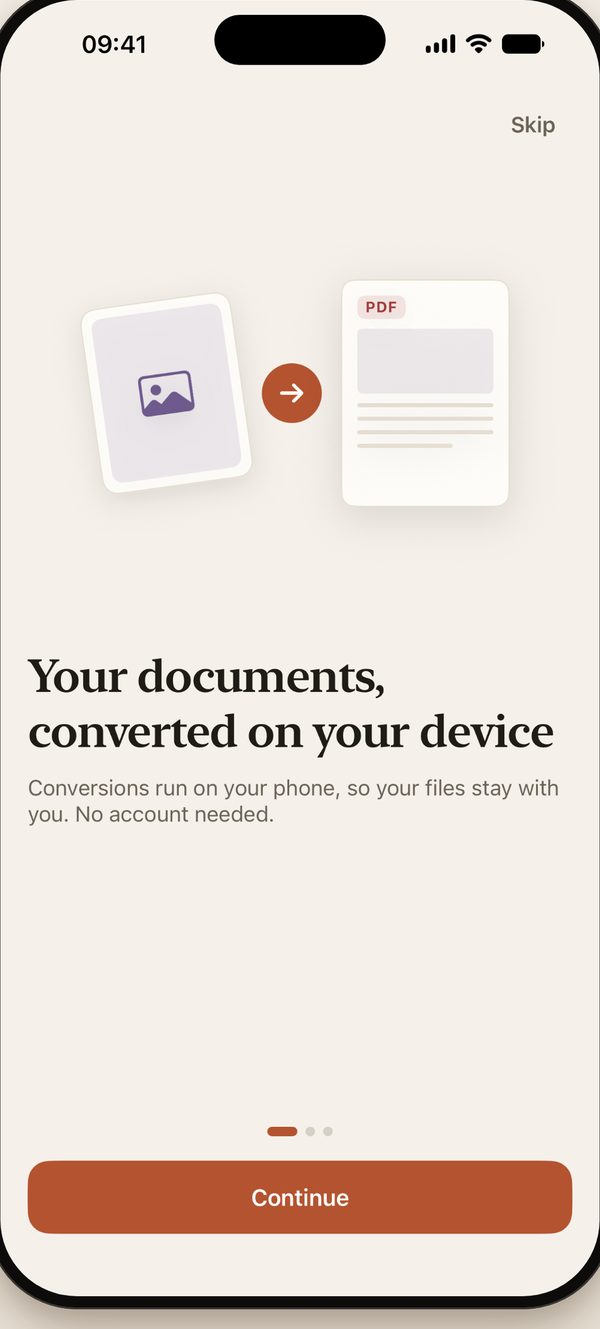
Conversions run on your phone. No account needed; your form details are stored on this device only.
- On-device conversionYour documents aren't uploaded to a server to be converted.
- No accountDownload it and start right away.
- On your device firstThe Document Assistant and transcription run on your device by default; nothing goes to the cloud unless you allow it.
Frequently asked questions
Is FormlyConvert free?
You can download and use the app for free. Formly Pro gives you unlimited conversions without ads, with monthly, yearly and lifetime options. Subscriptions are managed in your App Store account settings.
Are my files uploaded to the internet?
No. Converting, compressing and editing happen on your device; file content isn't uploaded to our servers. If you turn on iCloud sync, your library is stored in your own iCloud account.
How do I open a UDF file?
Share the UDF file to FormlyConvert from Files, Mail or WhatsApp and choose the UDF to PDF tool. Save or send the result as a PDF.
Which devices does it run on?
iPhone and iPad with iOS 17 or later. On iPad you can take notes with Apple Pencil.
Who do I contact if something goes wrong?
Write to the address on the support page with your app version and a short description of the problem.
Formi is waiting for you.
A soft, clay-like sheet of paper with a folded corner. It shows you around at first, thinks while your file converts and smiles when it's done.
Download on theApp Store